Your Phones and Computers

☰ Menu

Phones & Computers

Simple guide

Your phones and computers need strong protection

Your devices store personal data, passwords, photos, files, and important accounts. If compromised, attackers can get full access to your digital life.

Laptop and smartphone security concept

Protect Against Malware

What is malware? Malicious software that harms or steals your data.

Types of malware:

Virus
Spyware
Ransomware
Trojan

Simple understanding notes:

Watch malware types explained

How malware infects:

How to protect:

Protect Your Android Device

Risks:

How to stay safe:

Protect Your iOS Device

Good news: iPhones are generally more secure, but risks still exist.

Risks:

How to protect:

Protect Your Windows Computer

Common target for hackers.

Risks:

How to protect:

Protect Your Mac Computer

More secure, but not 100% safe.

Risks:

How to protect:

Protect Your Linux Computer

Strong security, but depends on the user.

Risks:

How to protect:

Visual Learning Hub

Relatable visuals to remember device security concepts.

Phone lock and app security concept

Phone Security

App source and permissions matter for Android and iOS safety.
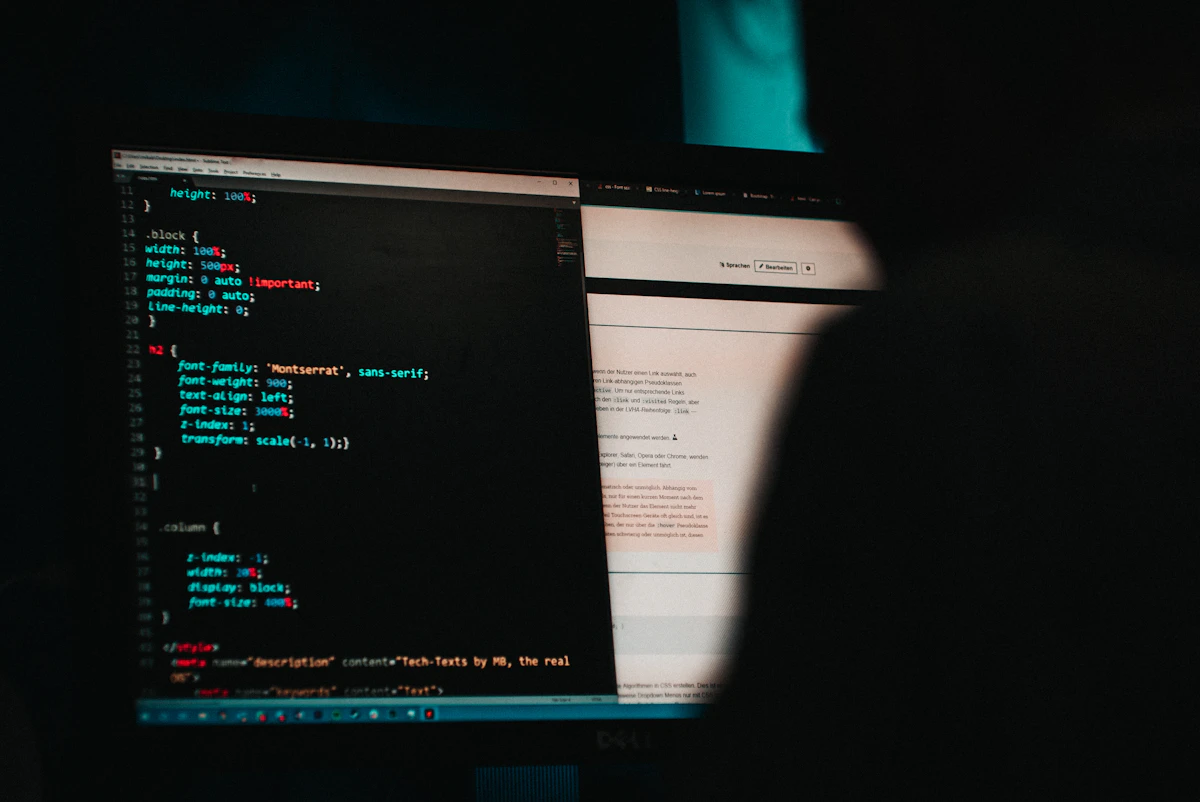
Laptop with security code concept

Computer Protection

Updates, antivirus, and firewall reduce malware risk.

Security lock representing safer system access

Safe Access

Strong passwords and careful downloads prevent most attacks.

Related Tools

Final Important Tip

Most device attacks happen because of downloading unsafe apps, ignoring updates, and clicking unknown links.

Stay safe by installing carefully, updating regularly, and not trusting unknown sources.
◀ Previous Next ▶