
Your Internet Connection

☰ Menu

Internet Connection

Simple guide

Your Internet Connection

Your internet connection is how you browse websites, use apps, and send messages. If not secure, attackers or authorities can see, track, or block your activity.

Laptop connected to internet dashboard concept

How the Internet Works and How It Can Be Censored

How it works (simple):

Like this: You ask, internet delivers.

Examples:

Limited access to information
Monitoring of your activity
Loss of privacy

Browse the Web More Securely

Risks while browsing:

Example: Fake login page looks real and steals your password.

How to stay safe:

Always ask: Is this website real?

Anonymize Your Connections and Communications

What is anonymity? Hiding your identity online.

Why it is important:

How to stay anonymous:

Without protection, websites can see your IP, location, and activity. With anonymity tools, your identity is better hidden.

Visual Learning Hub

Relatable visuals to help you remember internet safety concepts.

Network server and internet route concept

Internet Flow

Your device, network, and server interaction can be blocked or monitored.
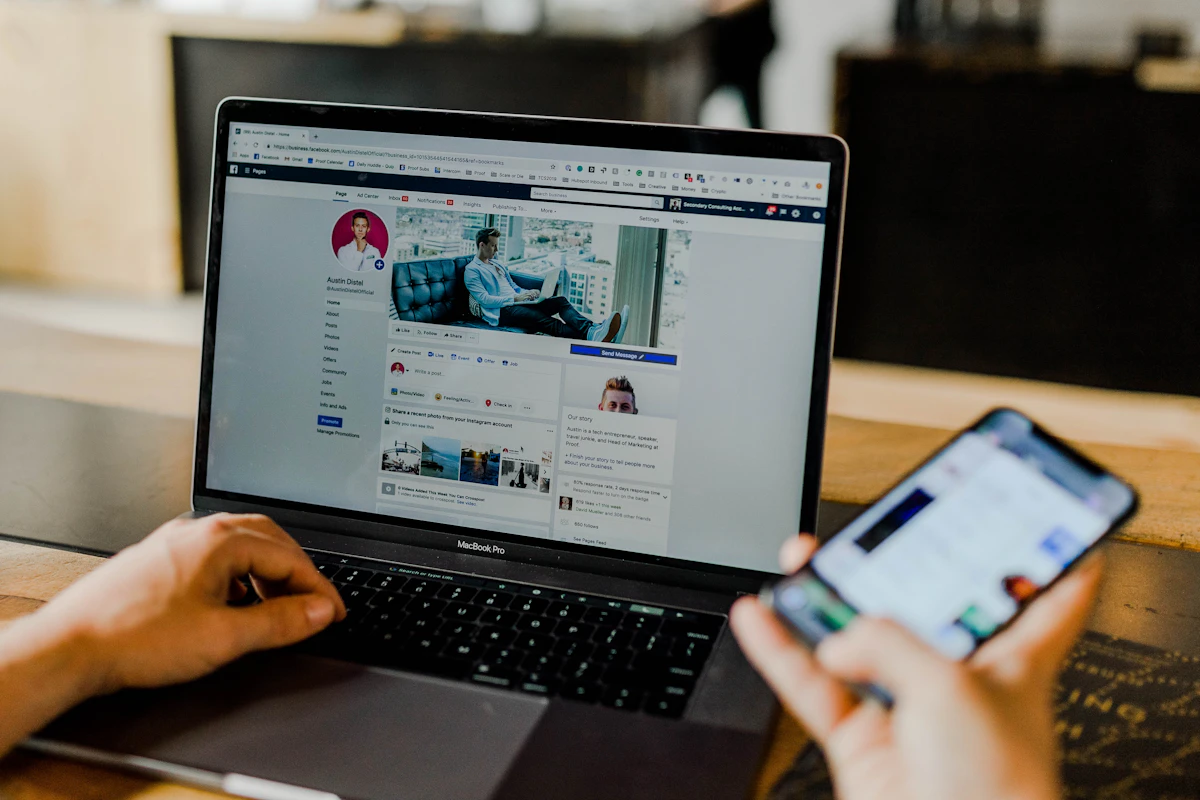
Shield and lock cyber defense concept

Safe Browsing

Secure habits reduce fake-site and malware risks.

VPN and hidden location concept on phone

Privacy Tools

VPN and Tor help protect identity and reduce tracking.

Related Tools

Final Important Tip

Internet risks include tracking, censorship, and fake websites.

Stay safe by browsing carefully, using protection tools, and protecting your identity.
Watch on YouTube
◀ Previous Next ▶